
JSON Formatter, Beautifier & Validator: The Complete Guide for Developers
If you've ever worked with APIs, configuration files, databases, or web applications, you've almost certainly encountered JSON (JavaScript Object Notation).
Although JSON is easy for computers to read, it can quickly become difficult for humans to understand when it's compressed into a single line. That's why developers rely on JSON formatters and validators to improve readability and identify syntax errors.
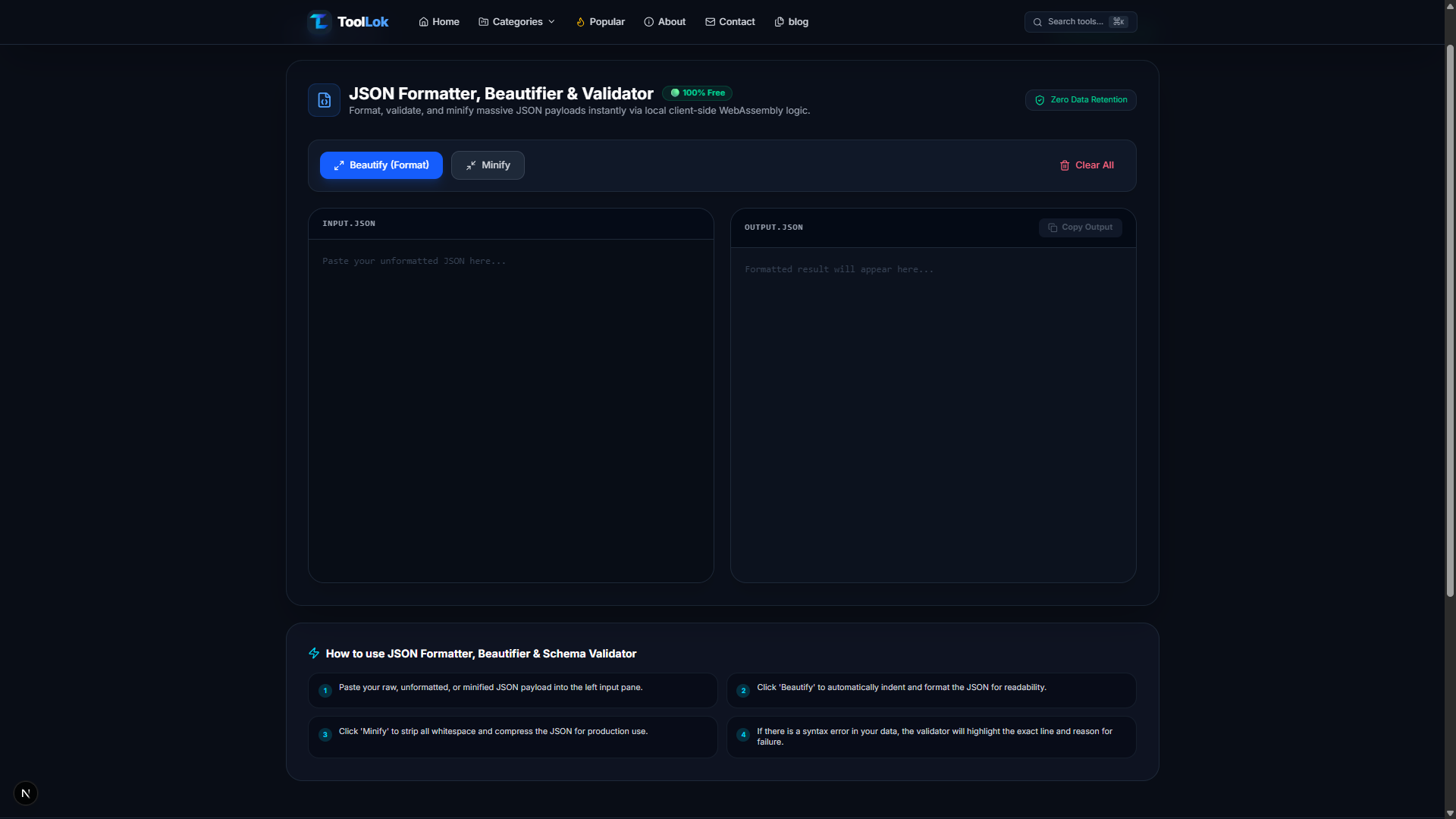
ToolLok's JSON Formatter, Beautifier & Validator helps you instantly format, validate, and minify JSON directly in your browser—without uploading your data to a server.
Whether you're debugging an API response or preparing JSON for production, this tool makes the process fast, secure, and beginner-friendly.
What Is JSON?
JSON (JavaScript Object Notation) is a lightweight data-interchange format used to exchange structured data between applications.
It is widely used in:
- REST APIs
- GraphQL APIs
- Web Applications
- Mobile Apps
- Configuration Files
- NoSQL Databases
- Cloud Services
- AI Applications
Example:
{
  "name": "John Doe",
  "age": 28,
  "city": "New York"
}
JSON is simple, human-readable, and supported by virtually every programming language.
What Is a JSON Formatter?
A JSON Formatter automatically organizes raw JSON into a properly indented and structured format, making it much easier to read and debug.
Instead of dealing with a single-line JSON string, a formatter displays nested objects and arrays with proper spacing and indentation.
Why Use a JSON Formatter?
Formatting JSON provides several benefits:
- Improves readability
- Makes debugging easier
- Helps identify missing commas or brackets
- Organizes nested objects
- Simplifies API development
- Speeds up troubleshooting
Developers often format JSON before reviewing API responses or editing configuration files.
What Is a JSON Validator?
A JSON Validator checks whether your JSON follows the correct syntax rules.
It helps detect issues such as:
- Missing commas
- Missing quotation marks
- Extra brackets
- Invalid characters
- Incorrect nesting
- Unexpected tokens
Instead of manually searching through hundreds of lines of code, the validator pinpoints the exact location of the error.
What Is a JSON Minifier?
A JSON Minifier removes unnecessary whitespace, line breaks, and indentation without changing the actual data.
Example:
Before:
{
  "name": "Alice",
  "age": 25
}
After:
{"name":"Alice","age":25}Minified JSON reduces file size, making it ideal for production environments where faster data transfer matters.
Why Choose ToolLok's JSON Formatter?
Unlike many online tools, ToolLok is designed with privacy, speed, and simplicity in mind.
🚀 Instant Formatting
Convert messy JSON into clean, well-structured code with a single click.
✅ Built-in Validation
Automatically detect syntax errors and identify the exact issue before your JSON reaches production.
📦 One-Click Minification
Compress JSON by removing unnecessary spaces while preserving the data structure.
🔒 100% Client-Side Processing
Your JSON never leaves your browser.
This makes the tool suitable for working with sensitive or confidential data.
⚡ Fast Performance
Built to handle large JSON payloads efficiently, making it useful for both small projects and enterprise workflows.
📋 Copy with One Click
Copy the formatted or minified JSON instantly to your clipboard for use in your application.
How to Use the JSON Formatter
Using ToolLok's JSON Formatter is simple.
Step 1
Paste your raw or minified JSON into the input panel.
Step 2
Click Beautify to automatically format the JSON with proper indentation.
Step 3
If your JSON contains syntax errors, the validator will highlight the problem so you can fix it.
Step 4
Click Minify if you need a compact version for production.
Step 5
Copy the processed JSON and use it in your project.
Common Use Cases
Developers use JSON formatting for:
- API response debugging
- REST API development
- GraphQL testing
- Configuration files
- Firebase data
- MongoDB documents
- AWS Lambda events
- AI prompt data
- Webhooks
- Automation workflows
Benefits of Using ToolLok's JSON Formatter
✅ Free to use
✅ Browser-based
✅ Secure client-side processing
✅ Fast formatting
✅ JSON validation
✅ JSON minification
✅ Beginner-friendly
✅ Mobile responsive
Who Should Use This Tool?
This tool is ideal for:
- Frontend Developers
- Backend Developers
- Full Stack Developers
- API Engineers
- DevOps Engineers
- Students
- QA Testers
- Data Analysts
- AI Developers
- Anyone working with JSON
Common JSON Errors
Many formatting issues come from small syntax mistakes, including:
- Missing commas between key-value pairs
- Unquoted property names
- Trailing commas
- Missing braces or brackets
- Invalid data types
- Incorrect nesting of objects and arrays
A validator helps identify these issues quickly and accurately.
Best Practices When Working with JSON
To keep your JSON clean and maintainable:
- Use consistent indentation.
- Validate JSON before deploying.
- Avoid unnecessary nesting.
- Use meaningful property names.
- Minify JSON only for production.
- Store sensitive data securely.
JSON Formatter vs JSON Validator
| Feature | JSON Formatter | JSON Validator |
|---|---|---|
| Improves readability | ✅ | ❌ |
| Detects syntax errors | ❌ | ✅ |
| Organizes indentation | ✅ | ❌ |
| Checks JSON validity | ❌ | ✅ |
| Makes debugging easier | ✅ | ✅ |
For the best workflow, format your JSON first, then validate it before deployment.
Frequently Asked Questions
Is this JSON Formatter free?
Yes. ToolLok's JSON Formatter, Beautifier & Validator is completely free to use.
Is my JSON uploaded to a server?
No.
All processing happens locally in your browser, so your data remains private.
Can I format large JSON files?
Yes.
The tool is designed to efficiently process both small and large JSON payloads.
Does the tool validate JSON?
Yes.
It checks your JSON for syntax errors and helps you identify issues before using it in your applications.
What is the difference between Beautify and Minify?
Beautify adds indentation and spacing to improve readability.
Minify removes unnecessary whitespace to reduce file size for production use.
Final Thoughts
JSON is at the heart of modern web development, powering APIs, applications, cloud services, and data exchange. Keeping your JSON clean, valid, and optimized is essential for efficient development and debugging.
With ToolLok's JSON Formatter, Beautifier & Validator, you can format, validate, and minify JSON instantly—all while keeping your data private through secure browser-based processing.
Whether you're a beginner learning APIs or an experienced developer working with complex payloads, this tool can simplify your workflow and save valuable development time.
🚀 Try the Tool
Ready to clean up your JSON?
👉 Open ToolLok's JSON Formatter, Beautifier & Validator and format, validate, or minify your JSON in just a few clicks.